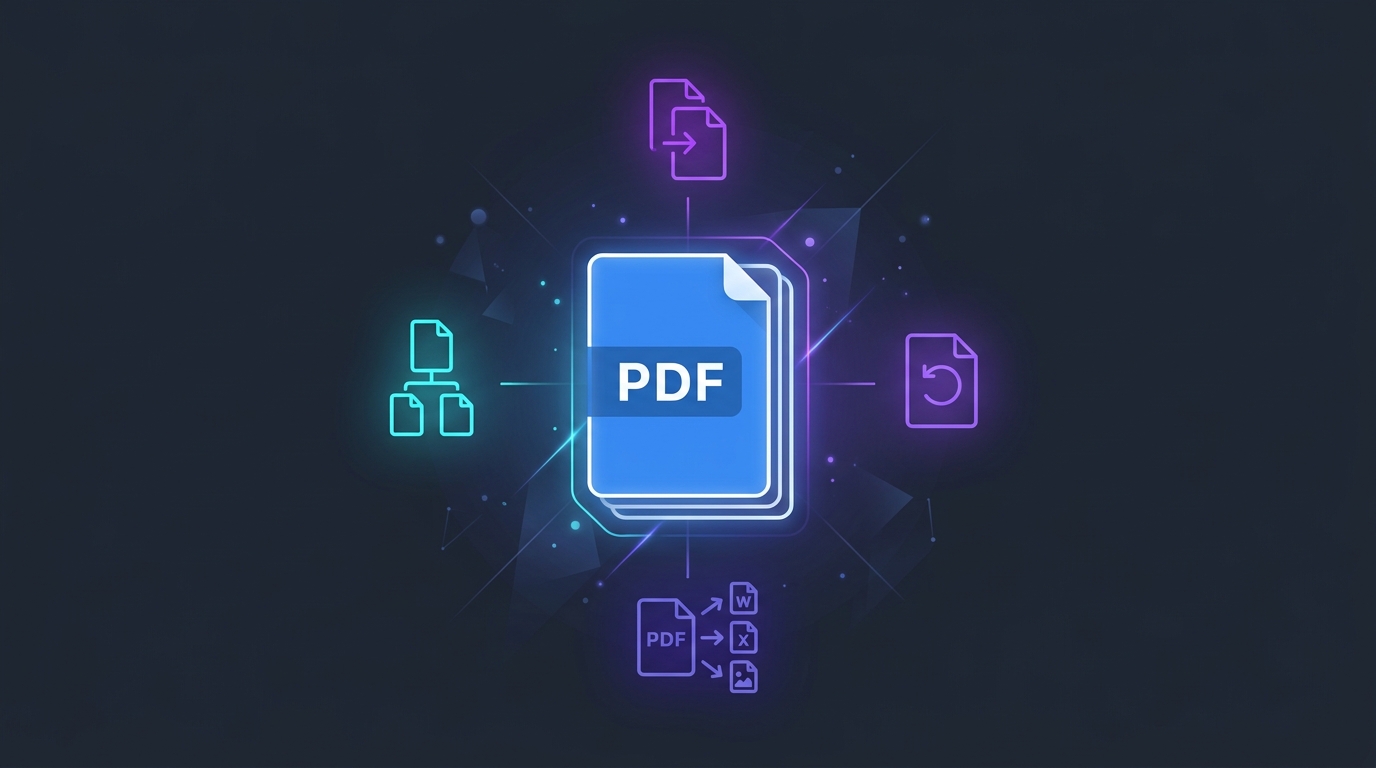
The Portable Document Format (PDF) is the undisputed international standard for sharing, archiving, and presenting digital documents. From legal contracts and academic theses to corporate invoices and government applications, PDFs preserve exact typography, vector diagrams, and visual pagination across every operating system. However, working with PDFs often introduces frustrating roadblocks: documents arrive sideways, separate report chapters must be combined into a single file, file sizes exceed strict email attachment thresholds, or individual pages need to be extracted for review.
Historically, resolving these common tasks required purchasing costly desktop software licenses or uploading confidential personal records to dubious third-party cloud servers. With modern WebAssembly and browser sandbox technologies, document manipulation no longer requires sending your private files over the internet. All in One Toolbox's Complete PDF Toolkit empowers you to merge, split, rotate, convert, and optimize PDF documents directly inside your web browser session, guaranteeing complete document confidentiality and zero data retention.
Complete Client-Side Confidentiality
Unlike typical cloud-based converters that transmit your files to remote cloud servers for remote queuing and processing, All in One Toolbox executes all PDF manipulation algorithms locally using browser-side WebAssembly and HTML5 Canvas engines. Your financial statements, contracts, IDs, and tax records never leave your personal device.
What Is a PDF?
Originally engineered by Adobe in 1993 and subsequently standardized in 2008 as an open international standard (ISO 32000-1), the Portable Document Format (PDF) was conceived to solve the fundamental challenge of digital layout fidelity. Before PDFs, sharing a document between different computers frequently broke page margins, substituted missing fonts, and mangled tables if the recipient did not possess the exact word-processing software and typography installations as the author.
At its architectural foundation, a PDF is not a standard text file; it is an object-based container derived from the PostScript page description language. A standard PDF container typically encapsulates:
- Vector Graphics & Path Instructions: Mathematical formulas defining lines, curves, and geometric polygons that scale infinitely without pixelation.
- Embedded Font Subsets: TrueType or OpenType font binaries embedded directly within the document stream so characters render identically regardless of client system fonts.
- Compressed Raster Bitmaps: Photographic imagery encoded with standard compression schemes (such as JPEG/DCTDecode or FlateDecode).
- Structural Cross-Reference Tables (XREFs): Byte-offset tables that allow PDF viewer applications to quickly jump to any arbitrary page without parsing the entire document from beginning to end.
Crucially, not all PDFs behave the same way under the hood. A digital-native PDF generated from software like Microsoft Word, Google Docs, or Figma contains selectable, searchable text layers alongside structured vector elements. In contrast, a scanned PDF produced by an office flatbed scanner or mobile camera app is frequently nothing more than a series of full-page raster photographs wrapped inside PDF page frames, containing zero selectable digital text unless subjected to an Optical Character Recognition (OCR) engine.
What Can You Do With Online PDF Tools?
Modern web standards, including JavaScript typed arrays (Uint8Array), WebAssembly, and HTML5 Canvas, enable web browsers to perform complex document mutations that formerly required native C++ desktop suites. All in One Toolbox packages these capabilities into dedicated, accessible utility modes:
1. Merge PDF Files
The Merge PDF tool combines multiple distinct PDF documents into a single unified file. Rather than simply appending raw bytes, the tool parses each input document's internal cross-reference catalog, clones font and image dependencies, re-indexes internal object identifiers, and constructs a clean consolidated page tree in your preferred document order.
Practical Real-World Example: Assembling a comprehensive job application by combining a one-page cover letter, a two-page CV, and five separate diploma certification scans into a single, polished 8-page PDF portfolio ready for HR submission.
2. Split PDF Files
The Split PDF tool allows you to isolate and extract specific pages or multi-page ranges from a sprawling document. By supplying custom page syntax such as 1-3, 5, 8-10, you create a focused, lightweight document containing only the pages relevant to your immediate needs while leaving the original file completely unaltered.
Practical Real-World Example: Extracting specific financial balance sheet pages (e.g., pages 42 through 45) from a massive 150-page corporate annual report to share with your accounting department without transferring unneeded executive commentary.
3. Rotate PDF Pages
Scanned physical paperwork, receipts, and mobile document captures are frequently saved in an inverted or 90-degree sideways orientation. The Rotate PDF tool updates the page dictionary's /Rotate attribute in standardized 90-degree increments (90°, 180°, or 270° clockwise). Because this operation adjusts page metadata rather than re-compressing graphic content, document clarity and typography remain 100% crisp.
Practical Real-World Example: Correcting a sideways architectural floor plan or landscape accounting spreadsheet that was accidentally scanned upside down, ensuring it displays naturally in reader applications.
4. Compress PDF Files
Many PDF authoring suites leave behind historical incremental revision streams, unreferenced metadata blocks, and uncompressed cross-reference tables. All in One Toolbox's compression engine performs lossless structural optimization: it reorganizes object streams, consolidates dictionary references, and strips orphan objects. If your document contains large embedded images, consider pairing this with our Image Compressor before compiling.
Honest Technical Expectation: Unlike tools that make misleading claims of 90% shrinkage, structural compression only reduces documents with redundant overhead. Files that already contain pre-compressed JPEG images cannot be drastically shrunk without raster downsampling.
5. Convert PDF Pages to JPG or PNG
Transform each PDF page into a standalone, high-resolution digital image. Using an integrated HTML5 Canvas rendering pipeline, vector fonts and imagery are rasterized at customizable scaling factors (1.5x standard or 2.0x ultra-crisp resolution). You can select PNG for pixel-perfect line graphics or JPG for compact photographic distribution with automatic solid white background rendering.
Practical Real-World Example: Converting the first page of an eBook or whitepaper into an image asset for display in a blog post, social media preview card, or e-commerce product gallery.
6. Extract Text from PDF
Extract raw selectable copy directly from digital PDF layers without struggling with erratic cursor highlights or manual copy-paste formatting anomalies. The tool traverses page-by-page text matrices, organizes sentences into logical paragraph flows, and allows you to copy the entire document or download a clean .txt file. You can then analyze readability metrics using our Word Counter.
OCR Limitation: Text extraction relies on digital text matrices embedded in the PDF. Scanned image documents without an underlying OCR layer will be identified with an informative prompt explaining the need for optical character recognition.
How to Use All in One Toolbox's PDF Toolkit
Executing common document tasks takes only a few seconds through our streamlined interface:
Are Browser-Based PDF Tools Private?
Document privacy is one of the most pressing concerns when using web-based utilities. Most commercial online PDF converters operate using a server-side pipeline: when you click upload, your file travels over the internet to a third-party cloud server, where it enters a processing queue, gets saved to a remote database, and awaits conversion before being served back via a download link. While many services claim to purge uploaded files after 60 minutes, your sensitive personal documents still reside temporarily on uncontrolled servers, exposing them to potential data leaks, caching bugs, or unauthorized internal inspection.
All in One Toolbox utilizes a 100% browser-side architecture. When you select a document, the browser reads the file bytes into a local memory buffer (ArrayBuffer) on your own device. The cryptographic and document libraries execute entirely within your web browser's isolated JavaScript sandbox. Zero file bytes are transmitted across network sockets, zero temporary cloud files are created, and once you close or refresh your browser tab, the temporary memory buffer is automatically reclaimed by your operating system.
| Processing Architectural Feature | All in One Toolbox Browser Toolkit | Traditional Cloud PDF Converters |
|---|---|---|
| Network File Transmission | Zero uploads. Files remain exclusively on your device. | Entire document is uploaded to third-party cloud servers. |
| Third-Party Data Retention | Impossible. No remote server ever touches your data. | Saved to cloud disks; relies on automated expiration policies. |
| Compliance (GDPR, HIPAA, FERPA) | Safe for confidential data; no third-party data controller involved. | Requires thorough data processing agreements (DPAs) and audits. |
| Processing Speed & Bandwidth | Instantaneous local execution; no upload or download lag. | Slowed down by residential internet upload speeds and server queues. |
| File Size Limits & Paywalls | Free, unlimited usage governed only by device memory. | Frequently limited to 2 files/hour or gated behind paid subscriptions. |
Can You Compress Every PDF?
A frequent source of user confusion is why certain PDF compression tools achieve huge 70% size reductions on some documents, but fail to shrink others by more than a couple of kilobytes. The explanation lies in how the target PDF was created:
Highly Compressible Documents
PDFs created by desktop scanners that store uncompressed TIFF or bitmap streams, documents that accumulated incremental revisions from repeated edits, or files with bloated uncompressed cross-reference tables. Structural repacking and object stream compaction can reduce these files significantly without visual loss.
Minimally Compressible Documents
PDFs that already feature optimized, modern JPEG or WebP photographic streams, or pure text documents with subsetted fonts. Because these internal streams are already compressed near their mathematical Shannon entropy limits, re-saving them will produce nearly identical file sizes.
Be skeptical of web services promising guaranteed 80% compression across all files: they typically achieve this by aggressively downsampling your images to blurry 72 DPI resolutions, stripping color profiles, or rasterizing text into low-quality pixels. All in One Toolbox provides honest structural optimization that protects document legibility and preserves professional vector typography.
PDF Conversion Limitations
While modern web tools are immensely capable, understanding their boundaries ensures you choose the right approach for your project:
- Rasterization Removes Editability: Converting a PDF page to a JPG or PNG image rasterizes vector typography into a fixed grid of pixels. While perfect for image galleries and web previews, the exported images cannot be edited with word processors or searched via text search.
- Scanned Documents Require OCR: Standard text extractors can only read digital font matrices. If a document consists of photographs of printed paper (such as old historical archives or un-OCRed photocopies), an Optical Character Recognition engine must first analyze the image shapes.
- PDF-to-Word Layout Complexities: Converting a fixed-layout coordinate system (where every word is positioned at an absolute X, Y point on an artboard) into a fluid, reflowing Word DOCX document frequently introduces formatting errors with multi-column columns, mathematical equations, and intricate tables.
- Password Encryption & DRM: Browser-based tools respect cryptographic document boundaries. If a PDF is protected by an active AES-256 user password or security policy, it must be decrypted before merging or splitting.
Tips for Working Safely With PDF Files
Follow these practical document management best practices to keep your files organized and secure:
Always Keep an Untouched Master Copy
Before merging, rotating, or splitting critical records, create a backup copy in a secure folder so you can always revert if you misplace a page.
Beware of Pseudo-Redaction Pitfalls
Drawing a black rectangle over sensitive text in a basic viewer does NOT erase the underlying character stream. True redaction requires permanently stripping the text layer.
Verify Total Page Sequencing
When combining multiple reports, verify that appendix pages and cover sheets follow a logical chronological sequence before emailing to clients or professors.
Verify File Integrity After Splitting
Double-check that multi-page forms (such as W-2 tax forms or lease agreements) retain all required legal addendums and signature execution blocks.
Try All in One Toolbox's Complete PDF Toolkit
Fast, free, and 100% private in-browser document processing.
Need to merge project documents, extract specific pages, rotate a sideways scan, or convert pages to high-resolution PNGs? Experience true client-side convenience with zero uploads, no wait queues, and absolute privacy.